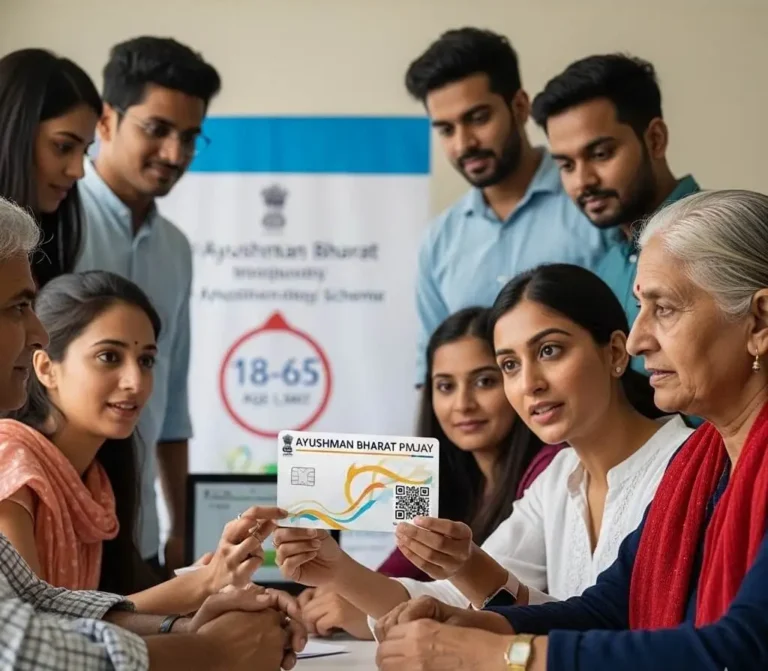
Ayushman Card Download 2026
Ayushman card download 2026 is your ticket to free healthcare in India. it comes under Ayushman Bharat Pradhan Mantri Jan Arogya Yojana (PMJAY), launched by the Government of India in 2018. The National Health Authority (NHA) runs this scheme. With this card, eligible families get up to Rs. 5 lakh per year for hospital treatment. It covers more than 1,900 medical procedures across thousands of government and empanelled private hospitals.
Over 55 crore Indians are covered under this scheme. It is one of the world’s largest publicly funded health insurance programs. If you are eligible and haven’t downloaded your card yet, you are missing out on a major benefit. This guide walks you through every step.
Who Can Get the Ayushman Card?
Before you try to download the card, check if you qualify for the Ayushman card eligibility.
PMJAY eligibility is based on:
- SECC 2011 data (Socio-Economic Caste Census). The government used this census to identify poor and vulnerable families in India.
Rural families qualify if they:
- Live in a one-room kutcha house
- Have no adult member between 16 and 59 years old
- Are female-headed households with no adult male member
- Belong to Scheduled Caste or Scheduled Tribe (SC/ST) categories
- Are landless and depend on daily labor
Urban families qualify if they work as:
- Street vendors
- Domestic workers
- Construction laborers
- Cobblers, rag pickers, security guards, sweepers
- Home-based artisans or handicraft workers
New Senior Citizens Expansion Update: As of September 2024, all Indian citizens aged 70 years and above are now eligible for the Ayushman Vaya Vandana Card (Ayushman card for seniors). This applies regardless of income or socio-economic status. This was announced by Prime Minister Narendra Modi and is implemented by the Ministry of Health and Family Welfare.
How to Check If You Are Eligible?
You cannot download the card without being in the government’s beneficiary list.
To check your eligibility:
- Go to beneficiary.nha.gov.in
- Click on “Am I Eligible?”
- Enter your mobile number and verify with OTP
- Select your state and district
- Search by Aadhaar, ration card number, or name
If your name appears, you are eligible. You can apply online to download the card. If your name does not appear, visit your nearest Common Service Centre (CSC) or an empanelled hospital with your Aadhaar and ration card.
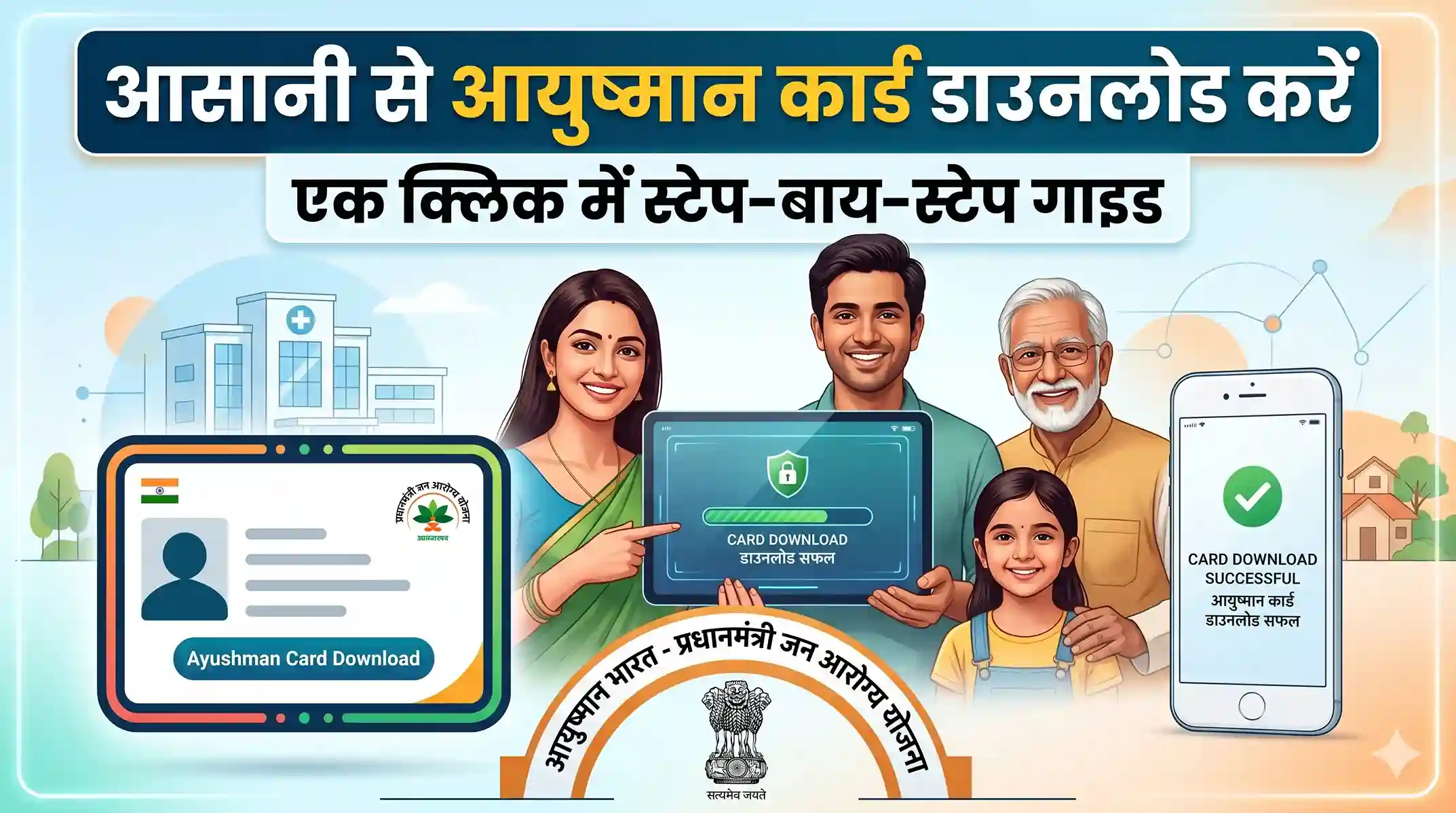
Ayushman Card Download: 5 Ways to Get It
There are five ways to download your Ayushman card. Pick the one that works best for you.
Method 1: Official Beneficiary Portal.
This is the fastest and most reliable method on the official website: beneficiary.nha.gov.in .
- Step 1: Open your browser. Go to beneficiary.nha.gov.in
- Step 2: Click on “Login”. Select “Beneficiary” from the options.
- Step 3: Enter your mobile number. Click “Get OTP”. Enter the OTP you received.
- Step 4: After logging in, select your State and District from the dropdown menus.
- Step 5: Choose how you want to search. Options include: Aadhaar Number, Family ID / PMJAY ID, Ration Card Number, Name.
- Step 6: Enter your details and click “Search”.
- Step 7: Your name and family member names will appear. If e-KYC is pending, a prompt will appear. Complete it using Aadhaar OTP authentication.
- Step 8: Once e-KYC is done, click “Download Card” next to your name.
- Step 9: Your Ayushman card will download as a PDF file. You can print it or save it on your phone.
Important: Use the mobile number linked to your Aadhaar. The OTP goes to that number. If you do not have access to that number, try the offline method below.
Method 2: Ayushman App (Mobile Download)
You can download the card directly from your smartphone.
Android users: Search for “Ayushman” on Google Play Store. Install the official app by NHA. iOS users: Search on Apple App Store.
- Step 1: Open the app
- Step 2: Tap “Login”
- Step 3: Enter your registered mobile number
- Step 4: Verify with OTP
- Step 5: Search for your name using Aadhaar or family ID
- Step 6: Complete e-KYC if prompted and then tap Download!
Important: The card saves directly to your phone. You can also share it from your gallery.
Method 3: UMANG App
UMANG (Unified Mobile Application for New-age Governance) is an official government app. It gives access to hundreds of government services in one place.
- Step 1: Download UMANG from Play Store or App Store
- Step 2: Open the app and search for “Ayushman Bharat” or “PMJAY”
- Step 3: Log in with your mobile number
- Step 4: Navigate to the “Download Card” option
- Step 5: Verify your details and download
Important: UMANG is available in multiple Indian languages. This helps users who are more comfortable in Hindi, Tamil, Telugu, or other regional languages.
Method 4: DigiLocker
DigiLocker is a digital document wallet launched by the Ministry of Electronics and Information Technology. It stores your official documents in one secure place.
- Step 1: Open DigiLocker (digilocker.gov.in) or the app
- Step 2: Log in with your Aadhaar-linked mobile number
- Step 3: Click on “Search Documents”
- Step 4: Search for “Pradhan Mantri Jan Arogya Yojana”
- Step 5: Enter your PMJAY ID when prompted
- Step 6: Your Ayushman card will appear under “Issued Documents”.
Note: DigiLocker documents are legally valid. You do not need a physical printout in most cases.
Method 5: Offline Help at CSC or Hospital
Not everyone has a smartphone or internet. That is okay. The government has made offline access available too.
Common Service Centres (CSC): There are over 5 lakh CSCs across India. Find your nearest one at csc.gov.in
What to bring:
- Aadhaar card (original)
- Ration card (if available)
- Any other identity proof
The CSC operator will search your name in the PMJAY database. They will print your card on the spot. A small printing fee may apply, but card generation is completely free.
Ayushman Mitra at Hospitals: Every empanelled hospital has an Ayushman Mitra desk. This is a dedicated staff member who helps patients access PMJAY benefits.
Visit the Ayushman Mitra desk at any empanelled hospital near you. They can verify your eligibility, complete your e-KYC, and print your card.
What Is e-KYC and Why Is It Needed?
e-KYC stands for electronic Know Your Customer. It is a digital identity verification process. When you first log in to download your card, the system may ask you to complete e-KYC. This confirms that you are the real person.
How it works:
- Enter your Aadhaar number
- An OTP is sent to your Aadhaar-linked mobile number
- Enter the OTP to verify
Once done, your card is ready to download. e-KYC is a one-time process.
Important: If you do not have access to your Aadhaar-linked mobile number, visit a CSC or hospital. They use biometric verification (fingerprint) instead of OTP.
What Information Is on the Ayushman Card?
Your Ayushman card contains:
- Your name
- Scheme name
- PMJAY ID (unique 11-digit number)
- State name
- Family ID
- A QR code
Important: The QR code links to your family profile. Hospitals scan this to verify your identity before treatment.
How to Use the Ayushman Card at a Hospital?
Downloading the card is just the first step. Here is how to use it.
- Step 1: Go to an empanelled hospital (government or private)
- Step 2: Visit the Ayushman Mitra desk at the entrance
- Step 3: Show your Ayushman card or your Aadhaar.
- Step 4: The Ayushman Mitra verifies your identity
- Step 5: You get admitted and treated for free
- Step 6: The hospital claims the cost from NHA directly
Important: You do not pay anything out of pocket for covered treatments. This includes pre-hospitalization (3 days) and post-hospitalization (15 days) expenses.
Common Problems and Fixes
Problem 1: “No Beneficiary Found” Error
This is the most common issue.
Reasons | Fixes |
|---|---|
Your name is not in the SECC 2011 database. | Try different search options (Aadhaar, ration card, name) |
There is a spelling mismatch between Aadhaar and the PMJAY database | Double-check the spelling of your name |
You searched with wrong details | Visit a CSC for manual verification |
Problem 2: OTP Not Received
Reasons | Fixes |
|---|---|
Your mobile number is not linked to Aadhaar | Wait 2 minutes and retry |
Network issue | Link your mobile number with Aadhaar at your nearest Aadhaar enrollment center |
Wrong number entered | Visit a CSC for biometric-based verification |
Problem 3: Ayushman Card Download Button Not Appearing
Reason: e-KYC is not completed.
Fix: Complete your Aadhaar-based e-KYC first. The download button appears only after that.
Problem 4: Ayushman Card Download Failed
Fix: Try a different browser. Clear your cache. Use a stable internet connection. Try downloading during off-peak hours (early morning or late evening).
Is the Ayushman Card Download Free?
Yes. Downloading the Ayushman card is completely free. You do not pay any fee on:
- beneficiary.nha.gov.in
- Ayushman app
- UMANG app
- DigiLocker
If a CSC charges you for printing the card, that is a small, nominal printing charge. But generating the card itself has no cost.
Warning: Many fake websites charge money to “download” or “apply” for the Ayushman card. Always use official government portals ending in gov. in.
Ayushman Card for Senior Citizens (Vaya Vandana Card)
In September 2024, the Government of India expanded PMJAY to cover all citizens aged 70 and above. They get a separate card called the Ayushman Vaya Vandana Card.
Coverage: Up to Rs. 5 lakh per year for health expenses.
Eligibility: Any Indian citizen who is 70 years or older. No income check is needed.
How to download:
- Step 1: Visit beneficiary.nha.gov.in
- Step 2: Select “Ayushman Vaya Vandana Card”
- Step 3: Enter your Aadhaar number and verify with OTP
- Step 4: Complete e-KYC
- Step 5: Download the card
Note: If they are already covered under other central government schemes (like CGHS), they can choose either scheme or top up the additional Rs. 5 lakh benefit under PMJAY.
Documents You Need
Keep these ready before you start the download process:
Document | Purpose |
|---|---|
Aadhaar Card | Identity proof and e-KYC |
Aadhaar-linked mobile number | OTP verification |
Ration Card / Family ID PMJAY ID (if known) | Alternative search method Fastest search method |
Note: You do not need any income certificate or caste certificate to download the card. If you are already in the SECC database, you just need to verify your identity.
Key Benefits of the Ayushman Card Download
Having your card ready ensures you can access benefits without delay. Here is a quick summary:
- Free treatment up to Rs. 5 lakh per year per family
- Covers 1,900+ medical procedures, including surgery, ICU, and chemotherapy
- Available at 25,000+ empanelled hospitals across India
- No premium or co-payment by the beneficiary.
- Covers pre- and post-hospitalization expenses
- Includes daycare surgeries (no overnight stay needed)
- Cashless and paperless process at empanelled hospitals
- Valid across India — use it in any state, not just your home state.
States with Their Own Ayushman Schemes
Many states have combined PMJAY with their own health schemes. These are called AB-PMJAY + state scheme combinations. Examples include:
- Andhra Pradesh: Dr. YSR Aarogyasri
- Rajasthan: Mukhyamantri Chiranjeevi Swasthya Bima Yojana
- Tamil Nadu: Chief Minister’s Comprehensive Health Insurance.
- Maharashtra: Mahatma Jyotiba Phule Jan Arogya Yojana
- Gujarat: MA Card (Mukhyamantri Amrutum Yojana)
Note: If your state has its own scheme, you may get additional coverage beyond Rs. 5 lakh. Check your state health department’s website for details.